Free vs. Paid Home Inventory Apps: What You Actually Need
Published:
Introduction
The first question most people ask when evaluating home inventory apps is whether there's a free option. The honest answer is: yes, free options exist, and for some use cases they're genuinely sufficient.
The more useful question is: what are you building the inventory for? Because the features that matter most for a basic insurance record are not the same features that matter for estate planning, probate, downsizing, or professional use — and free apps consistently fall short on exactly the latter set.
This post maps out where free apps work well, where they run out of capability, and how to match the right pricing tier to your actual situation.
What Free Home Inventory Apps Typically Offer
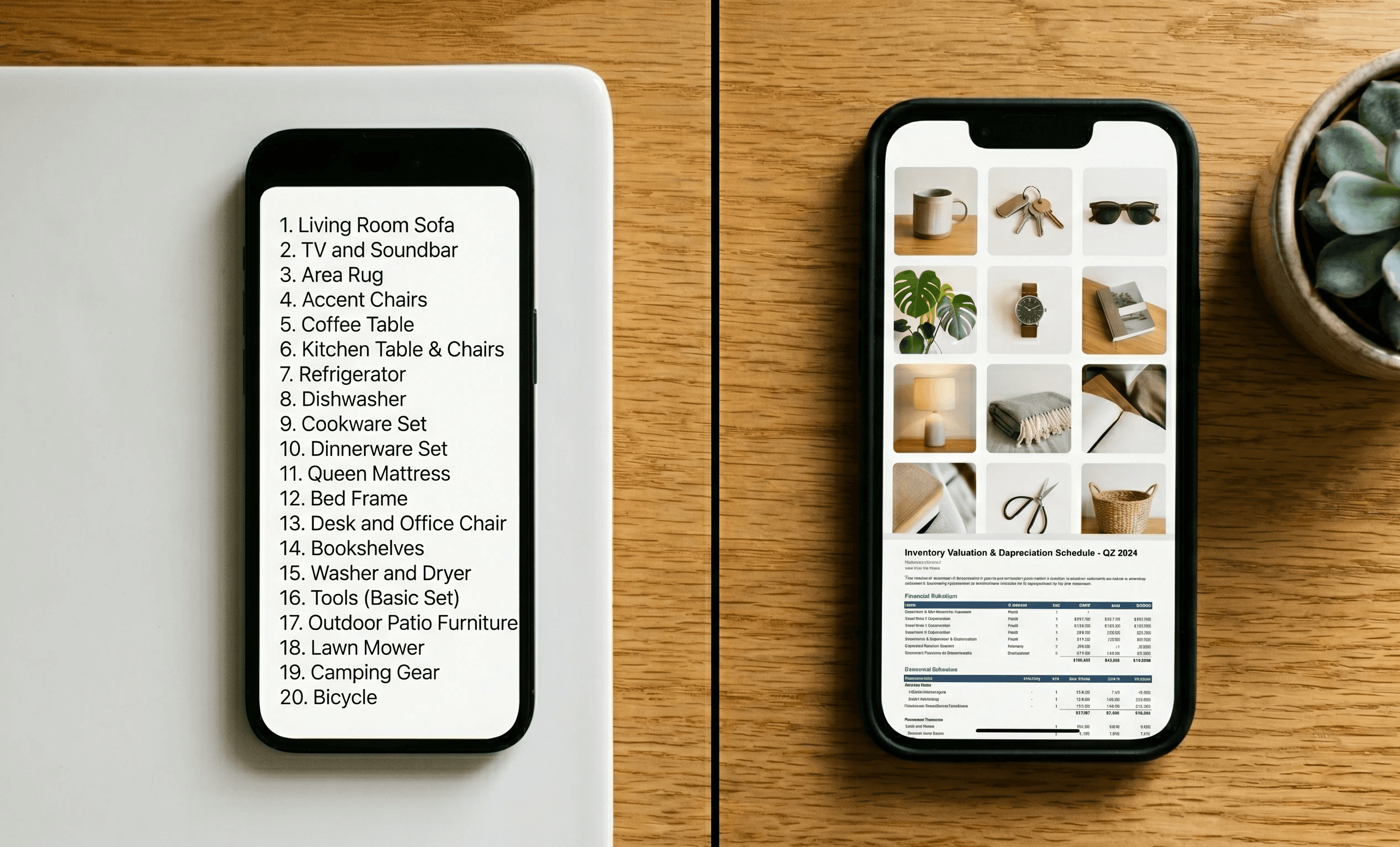
Most free home inventory apps — whether standalone apps or the free tiers of paid platforms — provide a core set of features that covers the basics:
Photo capture and basic item entry
Room and category organization
Simple item lists with descriptions
Basic export (usually a PDF or CSV)
Single-user access
For a homeowner or renter who wants a straightforward insurance documentation record — a list of items with photos in case of a claim — a free app often does the job. This is the use case free apps were designed for, and many execute it well.
Where Free Apps Consistently Fall Short
AI photo recognition and value estimation
AI-powered item identification — where you photograph an item and the app fills in the description and current market value automatically — is consistently a paid feature. Free tiers and free apps almost universally require manual entry for descriptions and values.
This matters because manual entry is the main reason most inventories don't get finished. If photographing a room of 30 items still requires 30 manual description entries, the time barrier that prevents completion isn't solved. Free apps shift the work from the app to you.
Professional report formatting
Free apps produce basic exports — typically a PDF list or a CSV file. What insurance adjusters, estate attorneys, and probate courts actually need is a professionally formatted report: organized by room and category, with photos alongside descriptions and values, in a layout that professionals can work from efficiently.
This formatting capability is standard in paid apps like SaveOr and absent or limited in free tiers. The difference matters when the inventory is actually used by someone other than its creator.
Collaboration and multi-user access
Sharing an inventory with family members, attorneys, advisors, or co-executors — where multiple people can view and work with the same document simultaneously — is a paid feature in almost every app. Free tiers typically allow single-user access only.
For any estate planning, probate, or senior transition use case, collaboration is not optional. The entire point of an inventory in these contexts is that everyone involved has access to the same information at the same time.
Estate planning integrations and PPM generation
Features like Personal Property Memorandum generation, executor workflow integrations, and fair division tools for estate distribution don't exist in free apps. They're specialized capabilities built for specific professional use cases, and they require the kind of product investment that free-tier economics don't support.
Cloud backup and security
Free apps vary significantly on cloud storage and security. Some store data locally with limited backup; others have meaningful limitations on cloud storage capacity. For an inventory that needs to survive the same event that triggers a claim — a fire, a flood, a theft — the backup architecture matters. Paid apps typically offer unlimited secure cloud storage with automatic backup as a core feature.
QR-code box and item tracking
QR-code labeling for boxes — where you print a label, attach it to a box, and scan it later to see the full contents without opening it — is a paid feature. For moves and storage, this capability is one of the most practically useful things a home inventory app can do. It's not available in free apps.
The Honest Cost-Benefit Math
Here's the practical question: is a paid home inventory app worth the subscription cost?
SaveOr's paid tier gives access to the full feature set — AI photo recognition, professional exports, multi-user collaboration, QR tracking, estate planning integrations, and unlimited cloud storage. The 7-day free trial lets you build and test a real inventory before committing.
The break-even math is straightforward. If a paid app reduces your documentation time by four hours compared to manual entry in a free app, and your time is worth anything at all, the subscription pays for itself in the first inventory session. If that inventory is ever used in an insurance claim, an estate, or a move — situations where the professional output formatting and collaboration features matter — the value compounds significantly.
The question isn't really free vs. paid. It's what you're building the inventory for, and whether the features available in a free tier are sufficient for that purpose.
Only 43% of homeowners had any home inventory as of 2020. The primary barrier was time, not cost — which is exactly what AI-powered paid apps address most directly. (Insurance Information Institute, 2020 Consumer Poll)
When a Free App Is Genuinely the Right Choice
You're a renter with a small apartment and a straightforward insurance documentation need
You have limited belongings and manual entry for descriptions and values is practical
You don't need professional export formatting — a basic list or PDF is sufficient
You're the only person who will ever need to access the inventory
Estate planning, probate, and life transition features are not relevant to your situation
If all of these are true, a free app or even a well-organized spreadsheet is a reasonable choice. The features you're paying for in a premium app are features you don't need.
When a Paid App Is the Clear Choice
You want AI to handle item identification and value estimation so the inventory actually gets done
You're going through estate planning, a downsizing, probate, or a significant move
Multiple people need access to the same inventory — family members, attorneys, move managers
You need professional PDF reports formatted for insurance adjusters, attorneys, or courts
You want QR-code box tracking for a move or storage
You want to capture the stories and meaning behind items, not just financial data
Secure, automatic cloud backup is important to you
For most homeowners — especially those with meaningful personal property, families involved in estate planning, or anyone going through a major life transition — the paid tier pays for itself in the first use.
SaveOr's Approach to Pricing
SaveOr requires a credit card to sign up and offers a 7-day free trial — giving you enough time to document a real portion of your home and see whether the AI recognition, export formatting, and collaboration features are worth it for your situation before committing.
The trial isn't a limited-feature preview. It's full access to everything SaveOr offers, for seven days, with the ability to export your inventory and use it even if you decide not to continue. See saveor.com/pricing for current plan details.
Start your 7-day free trial at saveor.com — full access, no commitment required.
Conclusion
Free home inventory apps exist and some are good at what they do. The honest assessment is that they're good for basic insurance documentation with limited features, and insufficient for the use cases where a home inventory matters most: estate planning, probate, professional outputs, collaboration, and life transitions.
Match the tool to the job. If your job is a simple insurance list, a free app may serve you fine. If your job is anything more complex than that, the features in a paid app are the features you'll need when you need the inventory.
Author: Matthew Scola
Co-Founder and CEO of SaveOr, an AI-powered home inventory and estate documentation platform helping homeowners, estate executors, and senior move managers document, organize, and settle homes with less stress.